
Search for articles or browse our knowledge portal by topic.
KURTS Mobile Field Data Collection
Contents
1. Overview of the KURTS Mobile Field Data Collection Application
2. Utility Relocation Inspections
3.1 Entering Utility Conflict Information
3.2 Utility Conflict Matrix (UCM) in KURTS
4.1 GPS Accuracy
4.2 Working in Areas Without Cell Phone Coverage
5. KYTC Reference Documentation
This article summarizes the 3WH training webinar on KYTC’s KURTS Mobile Field Collection Data Collection App.

The KURTS Mobile Field Data Collection Application can be used to collect the following data related to utility coordination and relocation:
- Utility Relocation Inspections
- Utility Conflicts
KYTC users must acquire a GIS account from KYTC’s Central Office so that the proper mapping will be connected to the app. To establish this account, contact the Central Office Utilities and Rails Branch.
The Mobile Field Data Collection app can be accessed on a cell phone or tablet and utilizes the ArcGIS Field Maps Application. Data collected via the app is automatically uploaded into the KURTS database system. The app will use the cell phone’s or tablet’s GIS location services to pinpoint locations in the field. The initial setup for the app is described in the video below.
The District Utility Supervisor or Utility Agent is responsible for tracking and inspecting the progress of all utility relocations. The app can be used to document the progress and location of this work. See the video below for more information.
3.1 Entering Utility Conflict Information
Tracking potential utility conflicts is an essential part of the utility coordination process. The KURTS mobile app can be used to enter date pertaining to utility conflicts and their locations. The video below demonstrates this process.
3.2 Utility Conflict Matrix (UCM) in KURTS
Information entered for utility conflicts will automatically be downloaded into KURTS and can be reviewed in the Utility Conflict Matrix (UCM) section of KURTS. The video below demonstrates how to review the UCM in KURTS. See HKP Article Tracking Utility Conflicts for more information.
4.1 GPS Accuracy
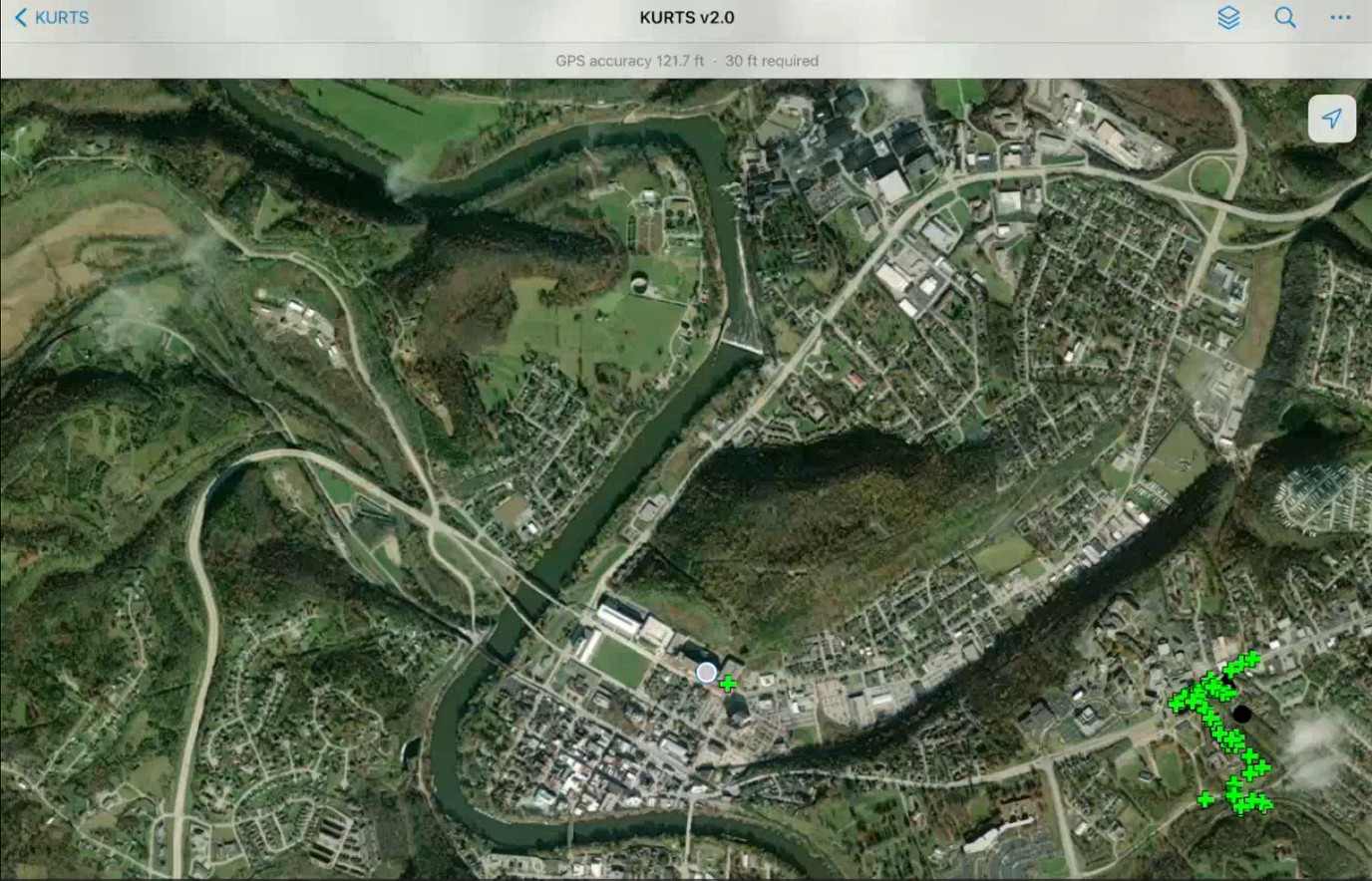
The accuracy of the Mobile Field Data Collection app is limited to the accuracy of GPS capabilities of the phone or tablet being used. The app requires 30 ft accuracy and will alert the user if the accuracy is not achieved. The video below shows how the GPS accuracy is displayed in the app.
4.2 Working in Areas Without Cell Phone Coverage
If the user is working in a location with poor or no cell phone coverage, the mapping will not load on the device. In this situation, a map can be pre-loaded into the application before going to the field. The video below demonstrates this capability.
Highway Knowledge Portal articles: